


Noodlespin App: Play Anytime & Anywhere
You can use the Noodlespin app to open our platform directly from the shortcut instead of through a browser. Also, thanks to modern web technologies, your session won’t be stopped even if your internet is unstable. So, you don’t have to worry about losing your progress.



Best Mobile Casino Experience
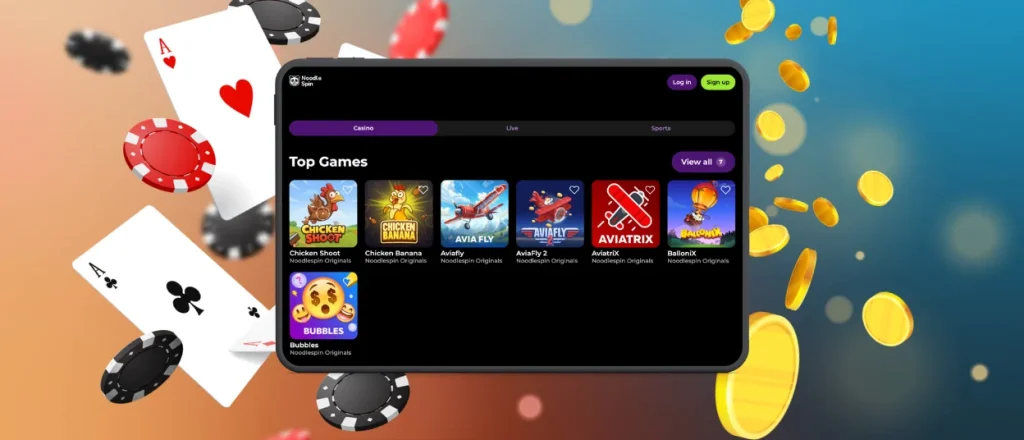
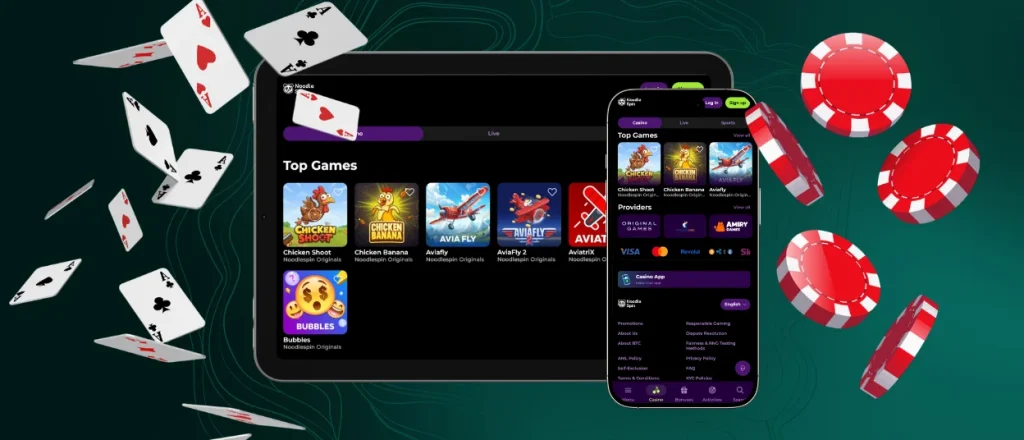
To play from your phone or tablet, we offer two options: a mobile browser and the Noodle Spin app. The first one lets you open our website in a format that’s adapted to screens from 375 px. With the second one, you can get a more app-like experience – thanks to features such as shortcut launch and partial offline mode.
In both versions, Noodlespin works the same way: you can play different games with real money and use our bonus offers. Also, you can top up your balance through the Deposit section and contact our support team via the live chat button.
Noodlespin Android App
We don’t limit some of our players just because their phones aren’t new enough – our application works even on Android 5.0. Plus, the Noodlespin mobile app uses your phone’s resources very sparingly, so your memory and battery life will be almost unaffected.
To get the app:
- Find the Casino App link on our homepage
- Read the basic information about our solution on the app card. You can also check out reviews from real users here
- Tap the Install button
- Wait until the Noodlespin app download is complete
- Check that the shortcut on your home screen works correctly
What’s more, you can rename it however you like or move it to a different folder.
PWA and APK Options
On Android, our solution works as a progressive web app, so you don’t need to download a separate Noodlespin APK file. We chose this technology because it offers our players many benefits:
| Aspect | PWA | APK |
| Installation source | Noodlespin Casino website | Google Play |
| Required storage space | 1 MB | 10-30 MB |
| Updates | Automatic in the background | You’ll need to install each new version yourself |
| Offline mode | Some features still work offline thanks to local caching | Full support |
| Device file access | The Noodlespin app uses only browser-provided permissions | Needs more system access |
Unlike an APK, our PWA works on more than just Android. You can also install it on iOS, Windows and other operating systems.
iOS Mobile App
You don’t have to limit yourself to mobile slots on iPhone, because our iOS app also supports more demanding Live Casino streams. Thanks to adaptive loading, your game won’t stop if your internet slows down – the image quality will just change.
Also, if your device has a biometric login option, you can set it up for the Noodlespin shortcut. Then, you’ll need to use Face ID or Touch ID to get into your account..
Noodlespin Desktop Application
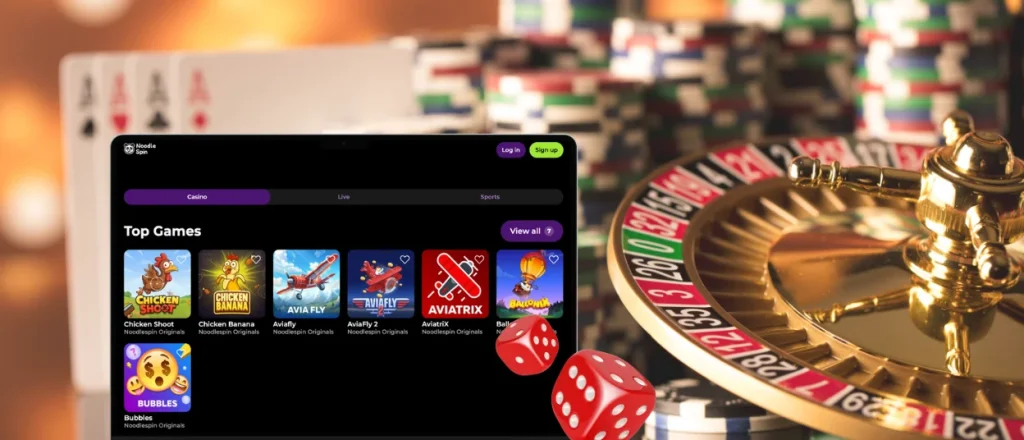
On the desktop, the Noodlespin app interface is almost identical to our website – the only difference is that tabs and the address bar disappear. At the same time, you don’t have to open your browser and search for our casino – it’s enough to click the shortcut to launch it.
When it comes to security, the Noodlespin Casino app offers the same protected environment. It uses HTTPS and TLS encryption. Also, it follows GDPR principles, so we only request the necessary information and keep it confidential.
What Devices Are Compatible?
Our PWA fits screens of all sizes – 320, 375, 480, 768, 1024, 1280 and even 1440+ px. And in all cases, it keeps navigation and controls user-friendly. Also, the Noodlespin app works with different browser engines. So you can use Chrome, Opera, Firefox, Safari and many other options that you like.
FAQ
Can I play all games in the Noodlespin app?
Yes, our PWA offers the same mobile gambling options as the website – just in a format optimized for phone and tablet screens. So you’ll have access to all of our 6,000+ titles.
Does the Noodle Spin app support push notifications?
Yes, you can go to the relevant section in your profile and enable this feature. Then, all news about our promotions and other important information will appear as pop-up alerts at the top of your phone or in the corner of your computer screen. What’s more, you can set up silent notifications, and then you’ll just see a blinking indicator on the app icon.
Will my account be deleted if I remove the Noodlespin app?
No, you’ll only lose the app icon. As for your account, you’ll still be able to log in via any browser on your phone or desktop.
Can I access the Sports section on mobile?
Yes, you can use the Noodlespin app for mobile betting on football, basketball and other leagues. And if you prefer Esports, you can also choose from games like Counter-Strike, League of Legends and more.
Is the Noodlespin download app process different on mobile and desktop?
No, it works the same way – you just need to use the buttons you already know. The app size also doesn’t change depending on which device you install it on.


